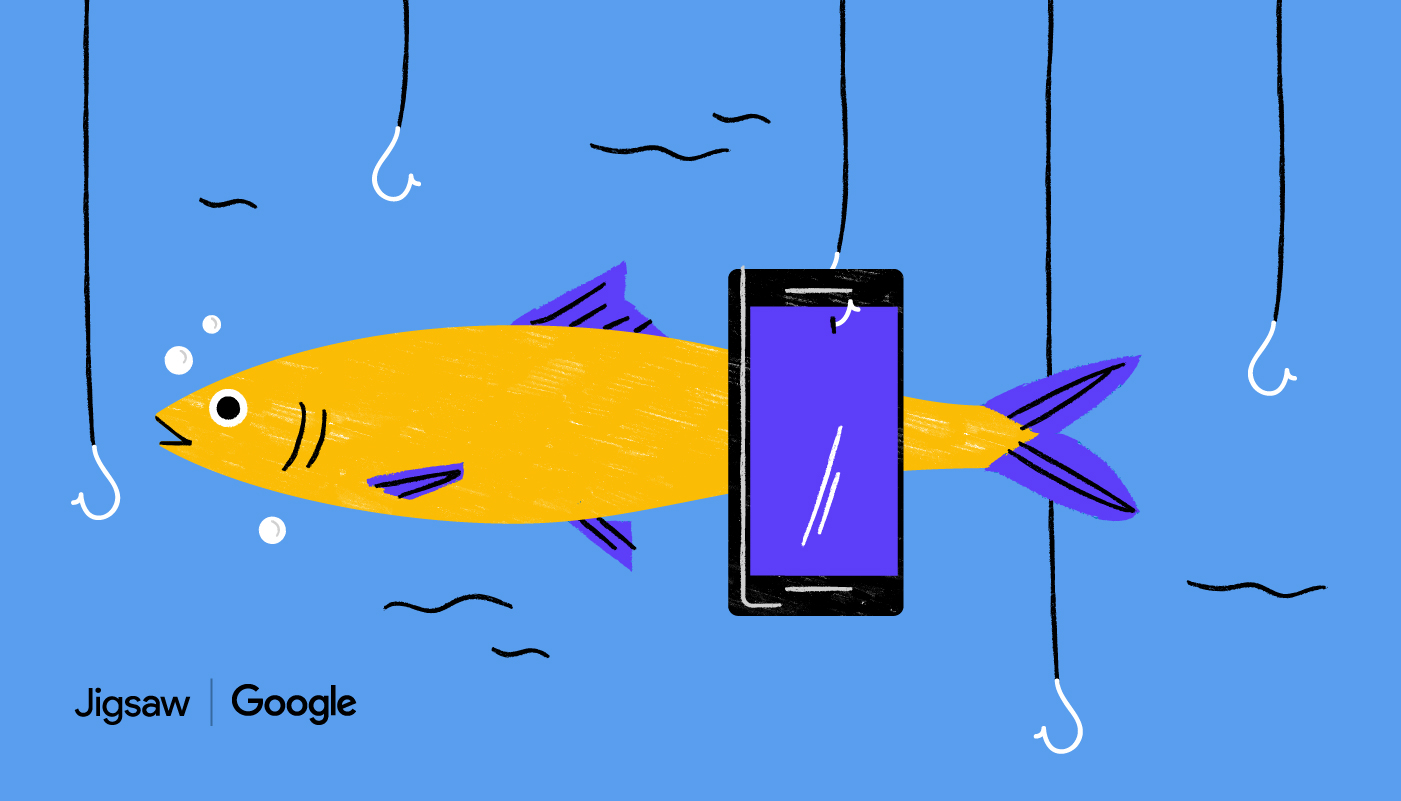
Identifying cyber security attacks can be harder than you think. Phishing is a stealthy attempt to trick you into giving up your personal information by pretending to be someone you know. Take this quiz to see if you can you tell what's fake.
What is Jigsaw’s Phishing Quiz?
Jigsaw’s Phishing Quiz is an online training tool that helps you practice spotting phishing attempts in a safe environment. You’re shown sample emails or messages and asked to decide whether they’re legitimate or phishing.
The goal is to help you rethink how you evaluate suspicious messages so you can better protect yourself and your organization from scams, data theft, and account compromise.
Why do I need JavaScript enabled?
The quiz is an interactive web experience, so it relies on JavaScript to:
- Display questions and examples dynamically
- Capture your answers and show feedback
- Move you through the quiz without reloading the page
If JavaScript is disabled, the quiz can’t run properly, which is why you see a message asking you to enable it in your browser settings.
How do I enable JavaScript to take the quiz?
To take the quiz, you’ll need to turn on JavaScript in your browser settings. While the exact steps vary by browser, the general process is:
- Open your browser’s Settings or Preferences.
- Go to the Privacy & Security or Site Settings section.
- Find the JavaScript option.
- Set it to Allowed or Enabled.
- Refresh the quiz page and start the assessment.
If you’re in a managed corporate environment, you may need to ask your IT team to enable JavaScript or allow the quiz site.




 Sign in with LinkedIn